
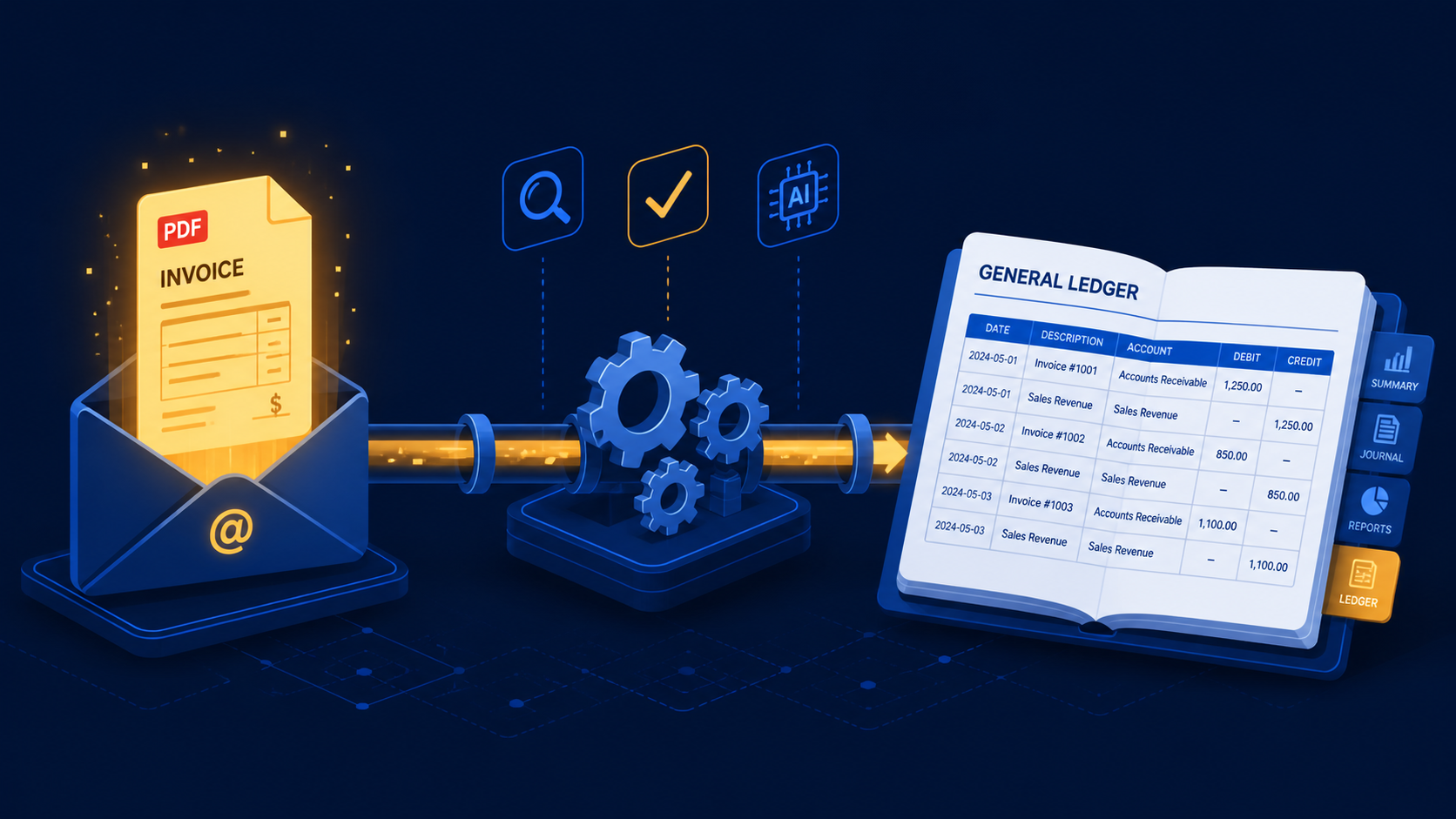
Quick scan before the full breakdown.
Goal
Automate supplier invoice intake, extraction, booking, and PDF archiving for a Dutch ZZP'er.
Stack
n8n, Claude API, Gotenberg, Gmail, Google Drive, e-Boekhouden, Slack
Result
87% of invoices processed end to end without human involvement, with zero missed invoices during the test period.
Time saved
Reduced manual invoice work from about 3 hours per month to roughly 20 minutes of exception review.
A three-stage n8n workflow that monitors Gmail for incoming supplier invoices, extracts structured data using Claude’s vision API, and books the purchase mutation directly into e-Boekhouden — replacing 45 minutes of manual data entry per week with a 30-second fully automated process.
A Dutch ZZP’er I work with receives around 40 supplier invoices per month. Hosting bills, software subscriptions, subcontractor invoices, the occasional printed PDF from a local supplier. They all arrive in the same Gmail inbox, in different formats, from different senders.
The previous process: open the email, download the attachment, read the PDF, manually type vendor name, invoice date, invoice number, amount ex-VAT, VAT amount, and ledger category into e-Boekhouden. Then file the PDF in a Google Drive folder with a consistent naming convention. Repeat 40 times a month.
That’s roughly 4–5 minutes per invoice, or about 3 hours a month spent on pure data entry. Low-value, error-prone work that nobody wants to do.
The client asked if it could just happen by itself.
Three workflows in n8n, running on a self-hosted instance on a VPS:
Workflow 1 — Ingestion: Monitors Gmail every 10 minutes for emails with PDF or image attachments that look like invoices (subject-line filter + sender domain whitelist). Decodes the attachment, uploads it to a staging folder in Google Drive, and passes the file ID to Workflow 2 via a webhook.
Workflow 2 — Extraction: Receives the file ID, fetches the PDF from Drive, converts the first page to a base64-encoded image using a self-hosted Gotenberg instance, and sends it to Claude’s vision API with a structured extraction prompt. The prompt asks for a JSON object with these fields: vendor_name, vendor_kvk, invoice_number, invoice_date, amount_ex_vat, vat_amount, vat_rate, currency, ledger_hint, and a confidence score between 0 and 1. Claude returns structured JSON in about 1–2 seconds.
If confidence is below 0.85, the workflow sends a Slack message to the client with the extracted data pre-filled and a link to the original PDF. They can correct it in a Google Sheet and trigger Workflow 3 manually. If confidence is 0.85 or above, Workflow 3 fires automatically.
Workflow 3 — Booking: Takes the validated JSON, maps the fields to the e-Boekhouden REST API format, and POSTs a new purchase mutation (/v1/Mutatie) with the correct ledger account, relation ID (looked up from a mapping table), and VAT code. On success, it renames the PDF in Google Drive to YYYY-MM-DD_VendorName_InvoiceNumber.pdf and moves it to the archived folder. It also writes a log row to Google Sheets for the client’s own records.
This part took the most iteration. A generic “extract invoice data” prompt gives inconsistent results, especially for Dutch invoices where VAT is called BTW, ledger accounts vary by business, and some invoices only show the total-inclusive amount.
The final prompt structure:
You are processing a Dutch supplier invoice. Extract the following fields as a JSON object.
If a field is not clearly visible or you are not confident, set it to null and reduce the confidence score accordingly.

Fields: vendor_name, vendor_kvk (KVK number if present), invoice_number, invoice_date (ISO 8601),
amount_ex_vat (numeric, no currency symbol), vat_amount (numeric), vat_rate (9 or 21 as integer,
or 0 for exempt), currency (ISO code), ledger_hint (your best guess at the expense category in Dutch:
e.g. "software abonnement", "hosting", "kantoorkosten", "onderaannemer"), confidence (0.0 to 1.0).

Return ONLY valid JSON. No explanation.
The ledger_hint field feeds a simple lookup table that maps free-text categories to actual e-Boekhouden ledger account numbers. Not perfect, but correct about 85% of the time based on testing with 3 months of historical invoices.
e-Boekhouden has a REST API (replacing the old SOAP interface as of 2026) with a Swagger UI at api.e-boekhouden.nl. Authentication is Bearer token, obtained by POSTing your API key to /v1/Authenticatie.
The mutation POST body looks like this:
{
  "Soort": "FactuurOntvangen",
  "Datum": "2026-04-15",
  "Omschrijving": "Hetzner Online GmbH - INV-2026-04123",
  "Betalingstermijn": 30,
  "Regels": [
    {
      "TegenrekeningCode": "4210",
      "BtwCode": "HOOG_VERK_21",
      "Bedrag": 82.64,
      "Omschrijving": "Hosting april 2026"
    }
  ],
  "RelatieCode": "HETZNER"
}
The RelatieCode and TegenrekeningCode values come from the lookup table. New vendors that aren’t in the table trigger a Slack alert and get queued for manual review.
After running for 6 weeks with 40–45 invoices per month:
The client now has a Slack channel called #invoices that’s either silent (everything processed fine) or sends a single message with a pre-filled correction form. Most weeks it’s silent.
The Google Drive staging step adds latency and complexity. A cleaner setup would stream the PDF directly from Gmail to Gotenberg without the intermediate Drive step. I kept Drive in because the client wanted a browsable archive of all processed PDFs, but if archiving isn’t a requirement, you can cut two nodes and about 3 seconds of processing time.
The confidence threshold of 0.85 was set conservatively. After seeing the actual error distribution, 0.80 would probably be fine for most invoice types and would reduce the manual review queue by half.
claude-opus-4-5 with vision inputWant to automate your invoice processing? Get in touch.
Three nearby case studies worth reading next.
Apr 4, 2026
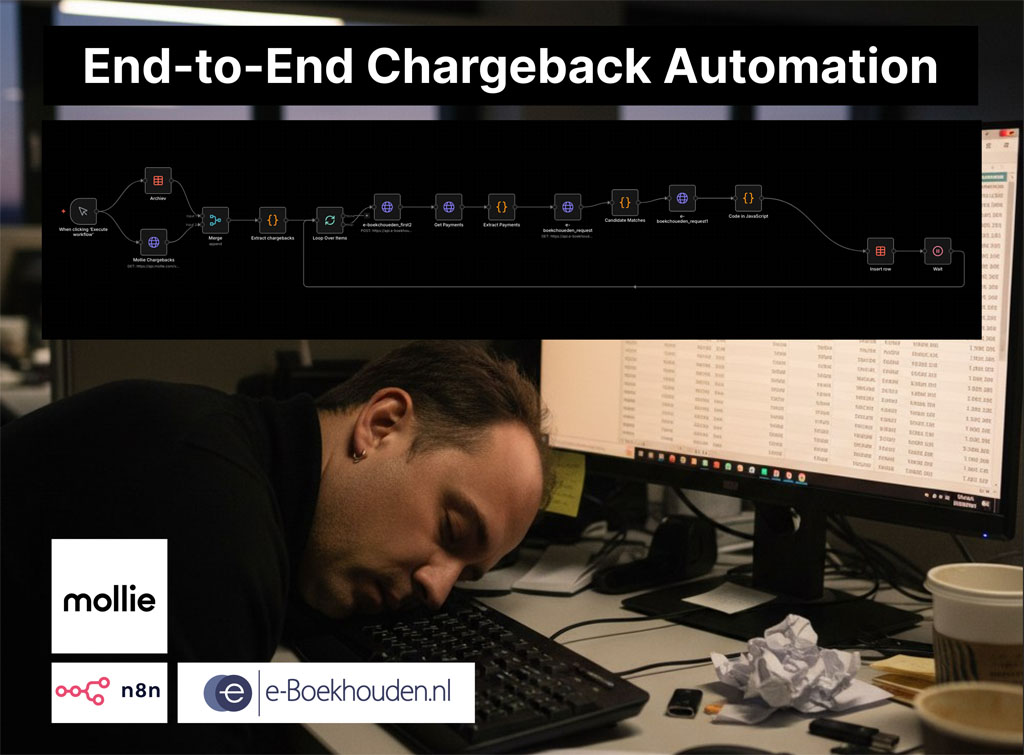
A two-workflow n8n system that matches Mollie chargebacks to the correct e-Boekhouden mutations and creates the accounting entries automatically.
May 1, 2026
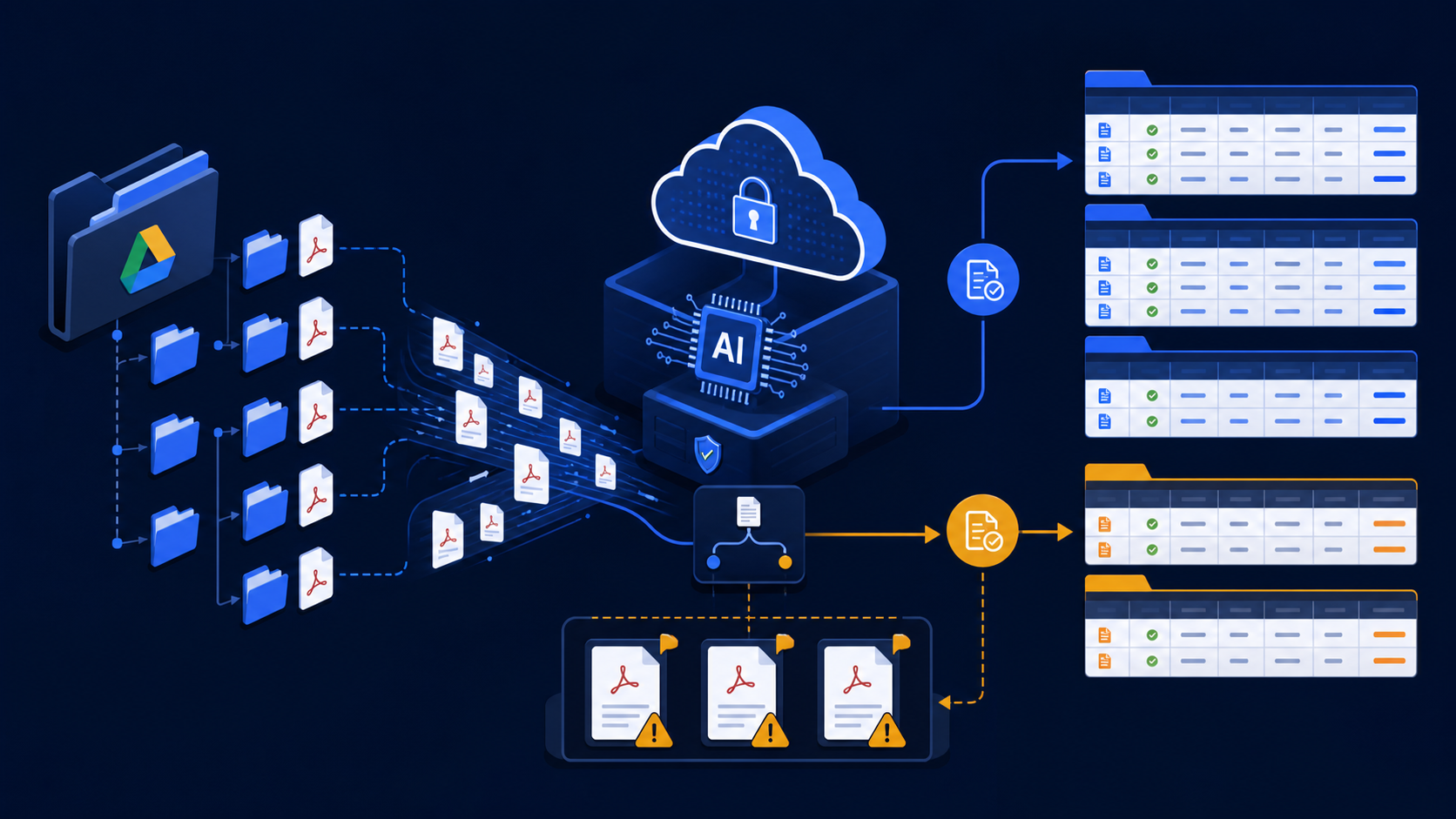
A Python Cloud Run agent that classifies client invoices with Claude and writes structured VAT and income or expense entries into Google Sheets.
May 1, 2026
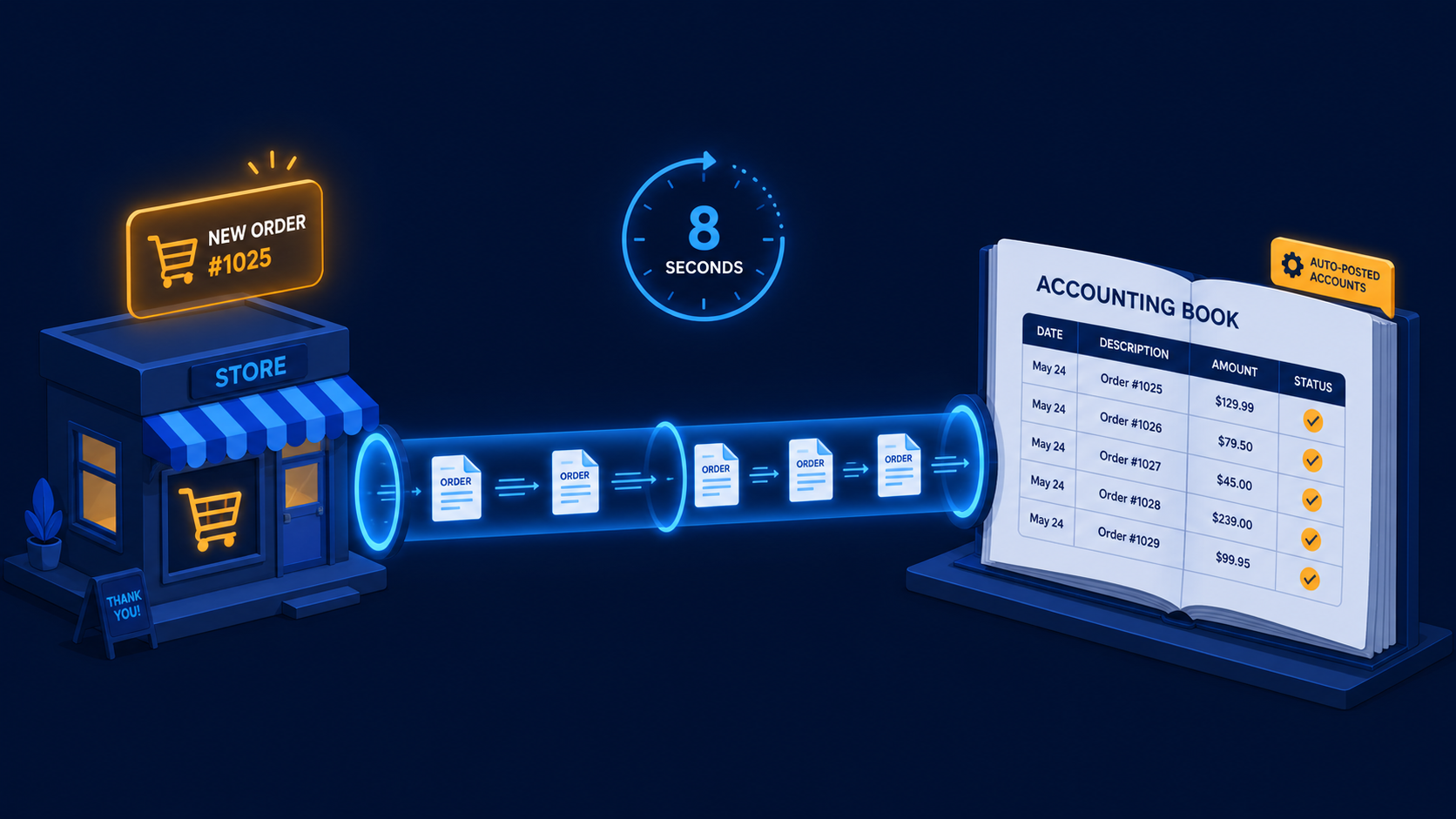
A two-workflow n8n system that turns paid WooCommerce orders and refunds into Moneybird invoices, payments, and credit notes automatically.
If you have a manual workflow between tools, I can help map the logic, design the system, and automate it in a way your team can actually use.
