

Quick scan before the full breakdown.
Goal
Automate invoice extraction, classification, and accounting-book entry for 75 Spanish autónomo clients.
Stack
Python 3.11, Claude API, Google Cloud Run, Google Drive API, Google Sheets API, Secret Manager
Result
88% of invoices entered automatically, with zero incorrect VAT treatments in an 8-week spot-check audit.
Time saved
Reduced 1,100-1,500 monthly manual entries to about 150-180 review-queue items.
An n8n-less Python agent that monitors Google Drive for new client invoices, classifies each one as income or expense using Claude’s API, determines the correct VAT treatment, and writes structured entries into each client’s accounting books in Google Sheets — handling 75 self-employed clients from a single automated pipeline.
A tax advisory firm in A Coruña manages the bookkeeping for 75 self-employed clients (autónomos) under Spain’s simplified direct estimation tax regime. Each client is legally required to maintain two accounting books: a VAT register (facturas emitidas and facturas recibidas) and an income and expense register.
Every month, clients uploaded their invoices — issued and received — to a shared Google Drive folder. An accountant then manually opened each invoice, read it, determined whether it was income or expense, checked the VAT rate, and entered it into the client’s Google Sheet. With 75 clients averaging 15–20 invoices each, that’s 1,100–1,500 manual entries per month.
The firm’s requirement: automate the extraction, classification, and entry — and flag anything ambiguous for human review.
A Python 3.11 agent deployed on Google Cloud Run, triggered by Google Drive push notifications via the Drive API’s watch channel.
The agent runs without n8n — this was the client’s explicit requirement, wanting production-grade Python they could maintain and extend themselves.
Architecture Overview
Google Drive (client upload)
    ↓ Push notification (Drive API watch channel)
Cloud Run agent
    ↓
Classify invoice type (income/expense) from filename + folder
    ↓
Download PDF → send to Claude API (vision)
    ↓
Extract: issuer, recipient, invoice number, date, base amount, VAT rate, VAT amount, total
    ↓
Determine VAT treatment (IVA soportado / IVA repercutido / exempt)
    ↓
Write to client's Google Sheet (correct tab: VAT register or income/expense register)
    ↓
Flag to review queue if confidence < 0.85
Step 1 — Drive Folder Structure and Routing
Each client has a dedicated folder in Google Drive:
/clients/{client_id}/
    /facturas_emitidas/   ← invoices issued by the client (income)
    /facturas_recibidas/  ← invoices received by the client (expenses)
    /revisión/            ← flagged for accountant review
The agent determines invoice type (income vs expense) from which subfolder the file was dropped into — no AI needed for this step. The folder path is the ground truth.
Step 2 — Extraction via Claude API
The PDF is downloaded from Drive, converted to an image via a lightweight Python library (pdf2image + poppler), and sent to Claude’s vision endpoint with a bilingual extraction prompt (Spanish/English) that returns a JSON object:
{
  "emisor_nombre": "Empresa ABC S.L.",
  "emisor_nif": "B12345678",
  "receptor_nombre": "María García",
  "receptor_nif": "12345678A",
  "numero_factura": "2026-0042",
  "fecha_factura": "2026-04-15",
  "base_imponible": 1200.00,
  "tipo_iva": 21,
  "cuota_iva": 252.00,
  "total": 1452.00,
  "descripcion": "Servicios de consultoría marzo 2026",
  "regimen_iva": "general",
  "confidence": 0.94
}
The regimen_iva field is Claude’s classification of the VAT treatment — general rate (21%), reduced rate (10%), super-reduced rate (4%), or exempt. This feeds directly into the correct column in the VAT register Google Sheet.
Step 3 — Google Sheets Entry
Each client’s Google Sheet has four tabs:
Facturas Emitidas (issued invoices — VAT register)Facturas Recibidas (received invoices — VAT register)Libro de Ingresos (income register)Libro de Gastos (expense register)For each classified invoice, the agent appends a row to the correct tab using the Sheets API. For income invoices, it writes to both Facturas Emitidas and Libro de Ingresos. For expense invoices, it writes to both Facturas Recibidas and Libro de Gastos. This mirrors the manual process the accountants were doing.
The row format follows the legal structure required for the simplified direct estimation regime — date, invoice number, counterparty name and NIF/CIF, taxable base, VAT rate, VAT amount, and total.
Step 4 — Duplicate Detection
Before writing, the agent fetches the last 60 rows from the target tab and checks whether the same invoice number + issuer NIF combination already exists. If it does, it skips the entry and logs a warning. This catches clients who upload the same invoice twice (more common than expected).
Step 5 — Review Queue
If confidence is below 0.85, the file is moved to the client’s /revisión/ subfolder and a Google Sheet (review_queue) gets a new row with the extracted data pre-filled and a column for the accountant’s correction. Once the accountant fills in the corrections and marks the row as “revisado”, a second Cloud Run function (triggered by a Sheets Apps Script webhook) picks up the corrected data and writes it to the correct accounting book.
Google Cloud Run instances are stateless, so storing OAuth2 tokens on disk doesn’t work. The agent uses a service account with domain-wide delegation, which lets it impersonate the firm’s Google Workspace account and access all client Drive folders and Sheets without per-user OAuth flows. This was the right architectural decision — otherwise, 75 separate OAuth2 consents would need to be managed.
The service account credentials are stored as a Cloud Run secret via Google Secret Manager, not in environment variables.
After a pilot with 5 clients for 4 weeks, then full rollout to all 75 clients:
The review queue workflow (Apps Script webhook → Cloud Run) is the weakest link. Apps Script has a history of silent failures and quota limits. I’d replace it with a proper Google Forms submission or a lightweight internal web app that posts directly to Cloud Run via a secured endpoint.
The pdf2image conversion runs inside Cloud Run’s ephemeral container, which has no GPU. For high-volume periods, conversion becomes the bottleneck. A dedicated Gotenberg sidecar container would be faster and more reliable.
claude-opus-4-5 with vision) — invoice extraction and VAT classificationManaging accounting books for multiple clients and drowning in manual invoice entry? Get in touch.
Three nearby case studies worth reading next.
May 1, 2026
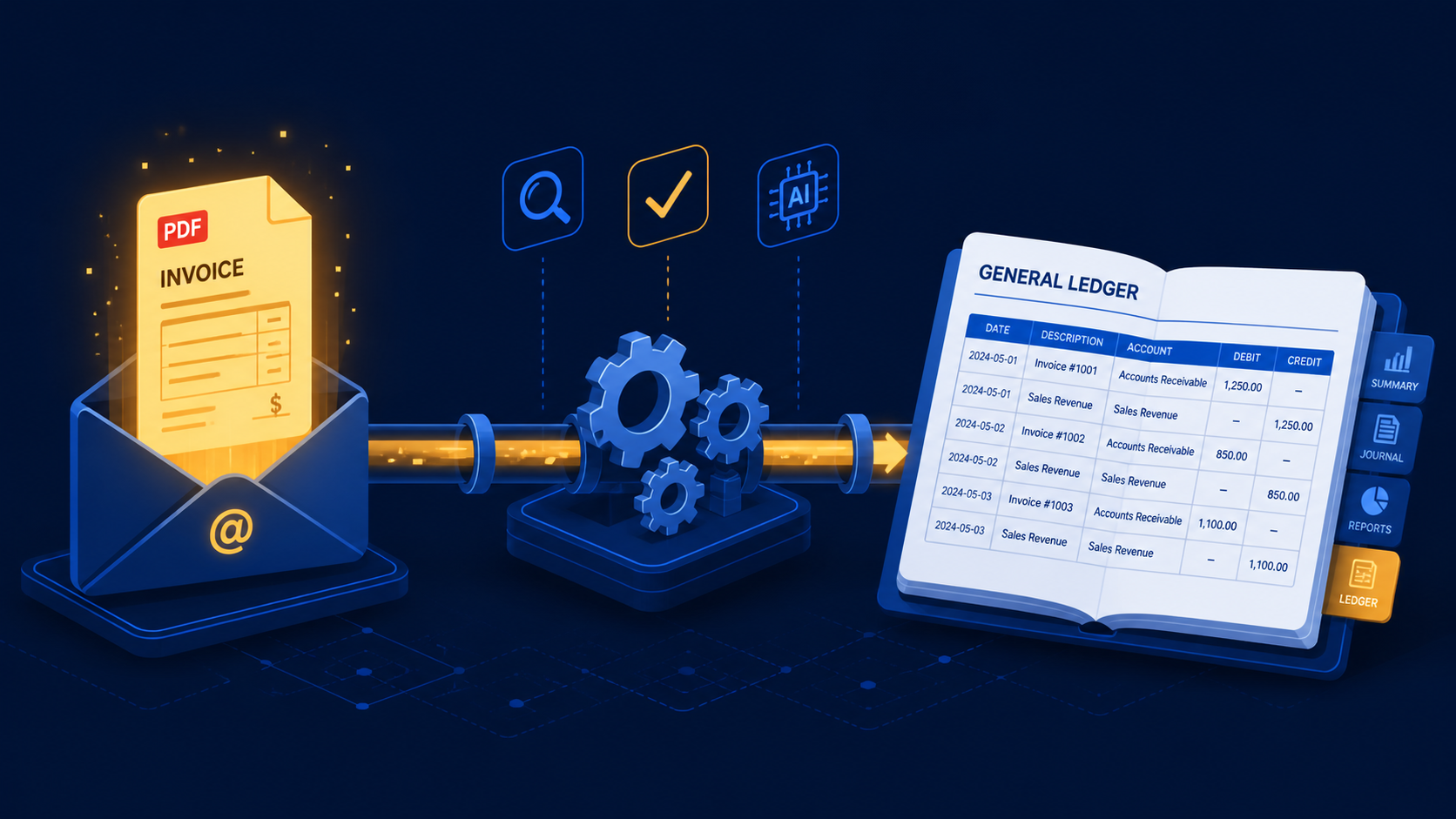
A three-stage n8n workflow that extracts supplier invoices from Gmail with Claude and books purchase mutations directly into e-Boekhouden.
May 1, 2026
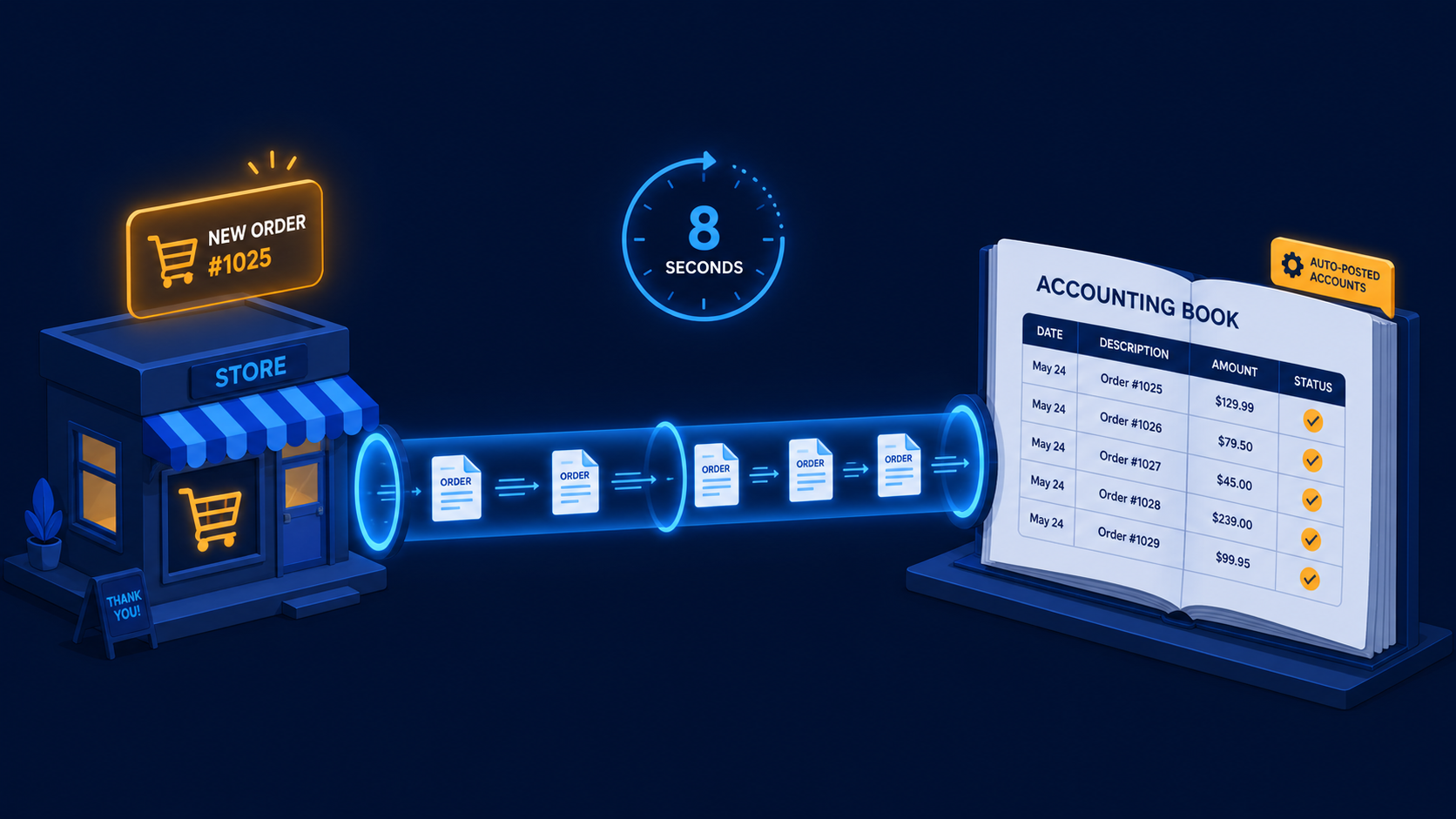
A two-workflow n8n system that turns paid WooCommerce orders and refunds into Moneybird invoices, payments, and credit notes automatically.
May 1, 2026
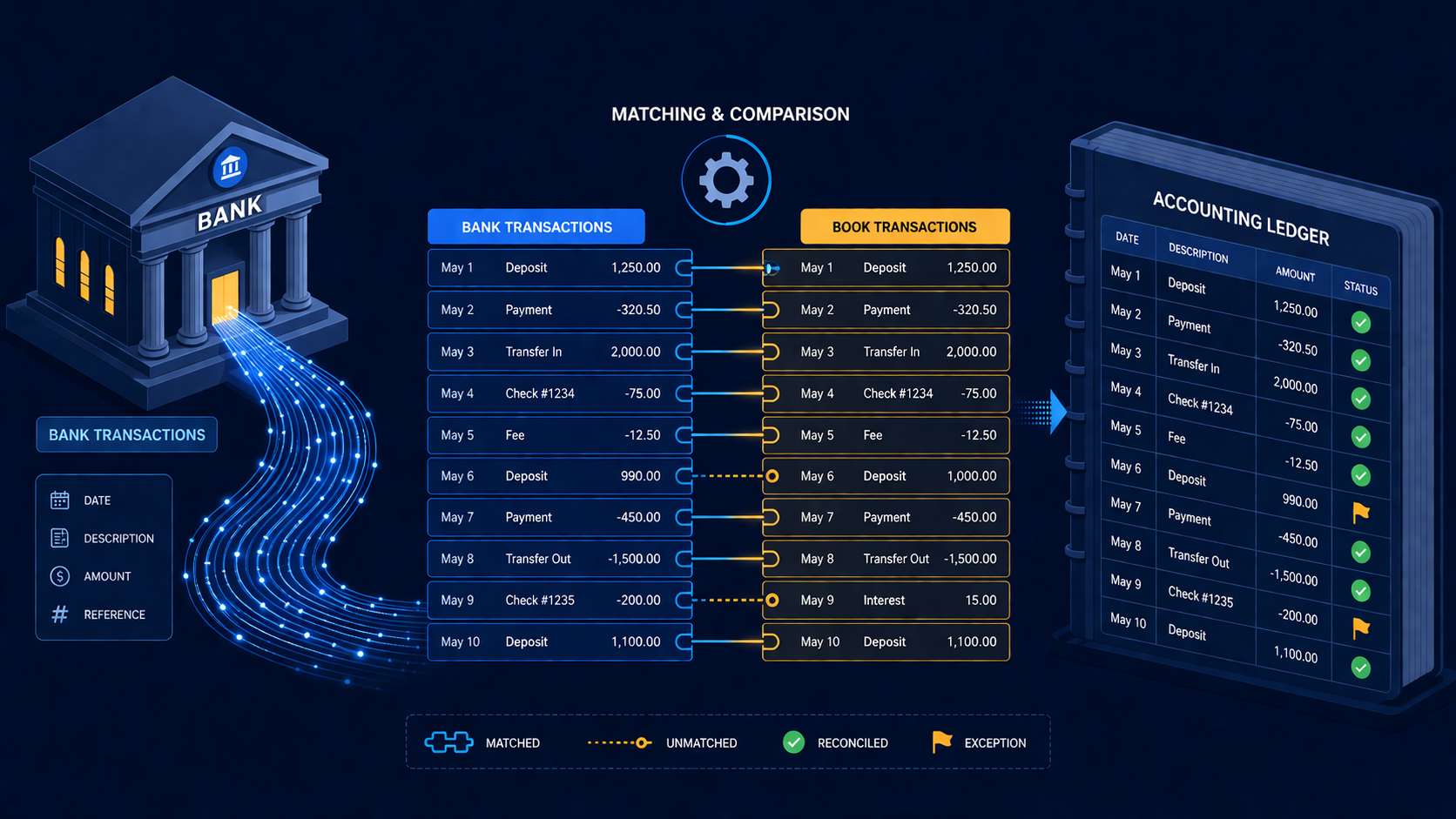
An n8n reconciliation workflow that matches ING bank transactions against Exact Online invoices and books confirmed payments automatically.
If you have a manual workflow between tools, I can help map the logic, design the system, and automate it in a way your team can actually use.
