
How to Choose an AI Agent for a Restaurant
It’s 7:40 on a Friday. The phone at the host stand rings while a table of six is mid-seating and a to-go order is backing up at the pass. Nobody’s hands are free. It rings out. A three-star review from last weekend still has no reply, and the walk-in is two cases short of what Saturday’s covers will need.
None of that is a technology problem on its own — it’s the ordinary friction of running a floor. But it’s exactly where restaurants have started pointing AI agents, and the margins involved make it worth doing carefully: the National Restaurant Association’s 2026 State of the Industry report puts typical restaurant margins at around 5%, thin enough that a handful of missed calls a night is real money, not a rounding error.
What an AI agent actually is, and why it isn’t the same as automation
An AI agent for a restaurant is software that handles one specific operational job on its own — answering the phone, taking an order, checking table availability, replying to a review — without a person doing it manually.
That’s a different thing from the automation most restaurants already run: a confirmation email that fires the moment a reservation is booked, a reorder that triggers when stock crosses a threshold. Automation follows a rule someone wrote in advance. An agent reads the actual situation — what a caller is really asking, what a batch of reviews is really saying — and decides what to do without a script covering every case. A fair amount of what gets marketed as “AI” for restaurants is the first kind wearing the label of the second. It’s worth asking any vendor directly which one is doing the work.
The five jobs the label covers
Most restaurants have a real, money-losing problem in only one of these.
| Category | What it does | Example tools |
|---|---|---|
| Voice / phone | Answers calls, takes orders, books tables, routes to staff | Bland AI, Bite Buddy, Slang AI, Loman AI |
| Chat / messaging | Handles website, WhatsApp, Instagram DMs — FAQs, bookings, orders | ManyChat, Tidio, Botpress |
| Reservations | Real-time table availability, waitlist, confirmations | Goodcall, OpenTable-integrated agents |
| Reviews & reputation | Collects and responds to reviews across Google, Yelp, social | Momos |
| Back-of-house ops | Demand forecasting, inventory reordering, staff rotas | Tenzo |
A missed-call problem, a no-show problem, and a “staff spend 20 minutes a day answering menu questions” problem get solved by three different rows in that table, sold by companies that all call themselves “AI agents for restaurants.” Name which row is actually costing money before opening a vendor comparison — that step alone is what separates a good purchase from paying for a voice AI that answers the phone perfectly while reservations still get double-booked, because the phone was never the actual problem.
Find the bottleneck first
Three symptoms point to three different shopping lists.
Phone rings during service and nobody can pick it up. One widely-cited guest survey (SevenRooms’ 2026 guest data report) found that roughly 4 in 10 reservation calls go unanswered during service — the exact window when peak call volume and peak floor demand collide. This is a voice agent problem, and the category with the most mature, restaurant-specific products, because the ROI is the easiest to measure: calls answered against calls missed.
Reservations get made but don’t show up, or show up as duplicates. This is a reservations/POS-sync problem before it’s an AI problem. A chat or voice agent that isn’t reading and writing to the same system the host stand uses becomes a second source of truth, and the double-booking problem gets worse.
Staff answer the same five questions all day — hours, parking, dietary options, whether they take walk-ins. This is the cheapest problem to solve and the one most oversold. A basic website chat bot with a static knowledge base handles it; there’s no need for a voice agent or a $300/month platform to answer “are you open on Sundays.”
POS and data integration — check this before anything else
An agent is only as good as its connection to what’s actually happening in the restaurant right now. Before comparing features, confirm:
| Check | Why it matters |
|---|---|
| Native POS integration (Toast, Square, Clover, Lightspeed, TouchBistro) | Without it, the agent works from stale or manually-synced data — it can sell a dish that’s 86’d |
| Real-time inventory / availability sync | Orders and reservations need to reflect what the kitchen and floor actually have right now, not what was true this morning |
| Open, API-first architecture | Determines whether guest history, loyalty data, and preferences ever become a single profile, or stay scattered across five tools |
| Who updates the knowledge base | If a shift lead can’t change tonight’s special or a temporary closure without calling a developer, the tool will fall out of date within a month |
This is the same lesson from every accounting integration I’ve built: the model or the agent is rarely the bottleneck. The data feed underneath it is. A restaurant that hasn’t cleaned up its menu data, table layout, or POS export will get mediocre results from any AI agent, expensive or cheap.
Rolling out without disrupting service
A rollout that trips up dinner service costs more than the agent saves. Three rules hold regardless of which category is going in first:
- One workflow at a time. Reservation confirmations first, not five categories at once. Each one takes a couple of weeks to settle into how the team actually works; five at once produces five half-working flows and a staff that stops trusting the tool.
- Keep a person approving outbound actions for the first two weeks. The agent drafts, a manager approves. Low-risk categories move to auto-send once approvals are consistently clean.
- Write down what the agent will not do, somewhere the team can see it — no price changes, no comping without sign-off, no auto-posting to social. A written boundary beats a vague sense that “the bot handles it,” and it’s what stops the first mistake from becoming a trust problem.
| Timeframe | Runs automatically | Still needs a human |
|---|---|---|
| Week 1–2 | Agent drafts every response | Manager approves every outbound action |
| Week 3–4 | Low-risk categories auto-send (confirmations, FAQ replies) | Anything involving money or a complaint |
| Month 2+ | Most of the workflow runs unattended | Price changes, comps, one-star reviews, anything outside the written boundary list |
The mistakes that cost the most
Buying the vendor before naming the bottleneck. Covered above, and still the most expensive mistake on this list — a fast, accurate voice agent solves nothing if the actual leak is no-shows or stale FAQ answers.
Letting the agent become a second source of truth. Already touched on above with reservations — the same trap shows up in any category where the agent keeps its own private record and the system staff actually trust never gets updated. Once the host stand stops believing the agent’s version of events, they start double-checking everything it does, and the time savings disappear.
Skipping the human-approval window to save a week of setup. That’s how a misread request turns into a guest getting the wrong confirmation, with nobody catching it until they show up.
Treating a one-location problem with a multi-location platform, or the reverse. Centralized brand controls and franchise-level reporting are dead weight and dead cost for a single independent restaurant. A 12-location chain running five inconsistent single-site tools has the same problem from the other direction.
Comparing voice agents (the most crowded, most mature category)
Voice is where restaurant-specific products are furthest along, and where pricing models differ enough to actually compare. Rough figures, gathered from vendor pricing pages — confirm current numbers before buying, this space moves fast.
| Tool | Pricing model | Best for | Watch out for |
|---|---|---|---|
| Bland AI | Usage-based, enterprise-flexible | Multi-location groups needing custom workflows and compliance (SOC 2, HIPAA) | More configuration than a single-site owner usually wants |
| Bite Buddy | ~$300/month flat | High-volume operations (100+ calls/month) on Toast, Square, Clover, or Olo | Per-order economics only pay off at real volume |
| Slang AI | Per-minute billing | Simple-menu quick-service and fast-casual | Billing climbs fast with long or complex calls; English only |
| Loman AI | Per-minute billing | Call routing and answering, not full order-taking | Struggles with modifications and substitutions |
| Goodcall | From ~$66/month, per-unique-caller | Independents on Resy, OpenTable, or SevenRooms wanting after-hours booking | Lighter on CRM depth and complex logic |
| Dialzara | From ~$29/month | Solo owners who just need call screening, 15-minute setup | Minimal POS/CRM connections |
| Kea AI | From ~$450/month | Drive-thru and QSR franchises | Wrong tool entirely for a fine-dining phone call |
The pattern across all of them: per-minute pricing is cheap at low volume and punishing at high volume, and flat or per-order pricing is the reverse. Match the billing model to actual call volume before the feature list.
Match the tool to the restaurant, not the other way around
A tasting-menu restaurant and a 12-location pizza chain aren’t shopping for the same thing, even when they type the same search.
| Restaurant type | Priority | What to avoid |
|---|---|---|
| Fine dining / chef-driven | Personalized, high-touch interaction that doesn’t feel scripted | Anything drive-thru-optimized or upsell-heavy |
| Multi-location chain | Consistency and central control across every site, with local overrides for menu/hours | Tools that require a developer to update one location’s special |
| Fast-casual / high volume | Speed and reliability at scale | Per-minute billing that punishes exactly the volume you have |
| Solo independent | Low setup cost, no technical overhead | Enterprise platforms priced and built for franchises |
Build vs. buy
For a single location with a standard use case — answer calls, take basic orders, book tables — a vendor tool is the faster and cheaper path, and there’s no reason to build one from scratch.
The case for building custom shows up when the restaurant’s workflow doesn’t fit a vendor’s fixed logic: multiple simultaneous requests in one conversation, a ticket system that tracks a reservation and a menu question and a staff note without losing any of them, or a data model that needs to plug into a CRM the vendor doesn’t support. I built exactly that for a demo restaurant — an n8n workflow with an OpenAI agent at the core, tracking each request as its own ticket, reading and writing to the same database the floor staff use. You can try it live: book a table, ask a menu question, throw a messy multi-part request at it in one message. More on how it’s built in the case study.
What to check in the first month
A handful of numbers say whether the agent is actually working, not just running:
- Answered/confirmed rate — calls or messages actually resolved by the agent versus routed to a human or dropped.
- Response time — for reviews and messages, this should move from hours or days down to minutes.
- No-show rate — should move if the agent is handling confirmations and reminders; if it doesn’t, the reminder timing or channel is wrong, not the concept.
- Staff-reported friction — ask the team directly whether the agent creates work as often as it removes it. This number doesn’t show up on a dashboard, and it’s the one that gets skipped.
FAQ
How do I decide which AI agent to use? Name the specific bottleneck first — missed calls, no-shows, repetitive FAQs, or back-of-house forecasting — then shop within that category. Cross-category comparison is where most of the wasted budget happens.
How is an AI agent different from the automation I already have? Automation follows a fixed rule written in advance. An agent reads the actual situation — a caller’s real question, the pattern across a batch of reviews — and decides what to do without a script covering every case. Ask any vendor directly which one their product is doing.
Does an AI agent replace staff? No. It removes the repetitive load — answering the same question fifty times a shift — so staff spend time on what an agent can’t do: reading a table, handling an upset guest, making a judgment call.
What does it cost? Anywhere from $0 (free tiers on basic chat tools) to several hundred dollars a month for volume-based voice agents, plus setup time. Match the billing model — per-minute, per-order, or flat — to actual volume before committing.
Do I need technical staff to run one? For an off-the-shelf vendor tool, no — most are built for a shift lead to update a knowledge base or menu without developer help. For a custom build tied into an existing CRM or POS in a non-standard way, yes, someone needs to own that integration.
Is a multi-location chain shopping for the same thing as a single restaurant? No. Centralized control with local overrides matters far more once there’s more than one site — a tool with no franchise-level management becomes an operational headache past location two or three.
See a working one before you buy anything
If reservations or menu questions turned out to be the bottleneck, the fastest way to know what a working version actually feels like is to talk to one. Play with the live demo — book a table, ask about the menu, throw a messy multi-part request at it in one message. No registration, no sales call.
Read next
Three nearby posts worth opening next.
Aug 22, 2026
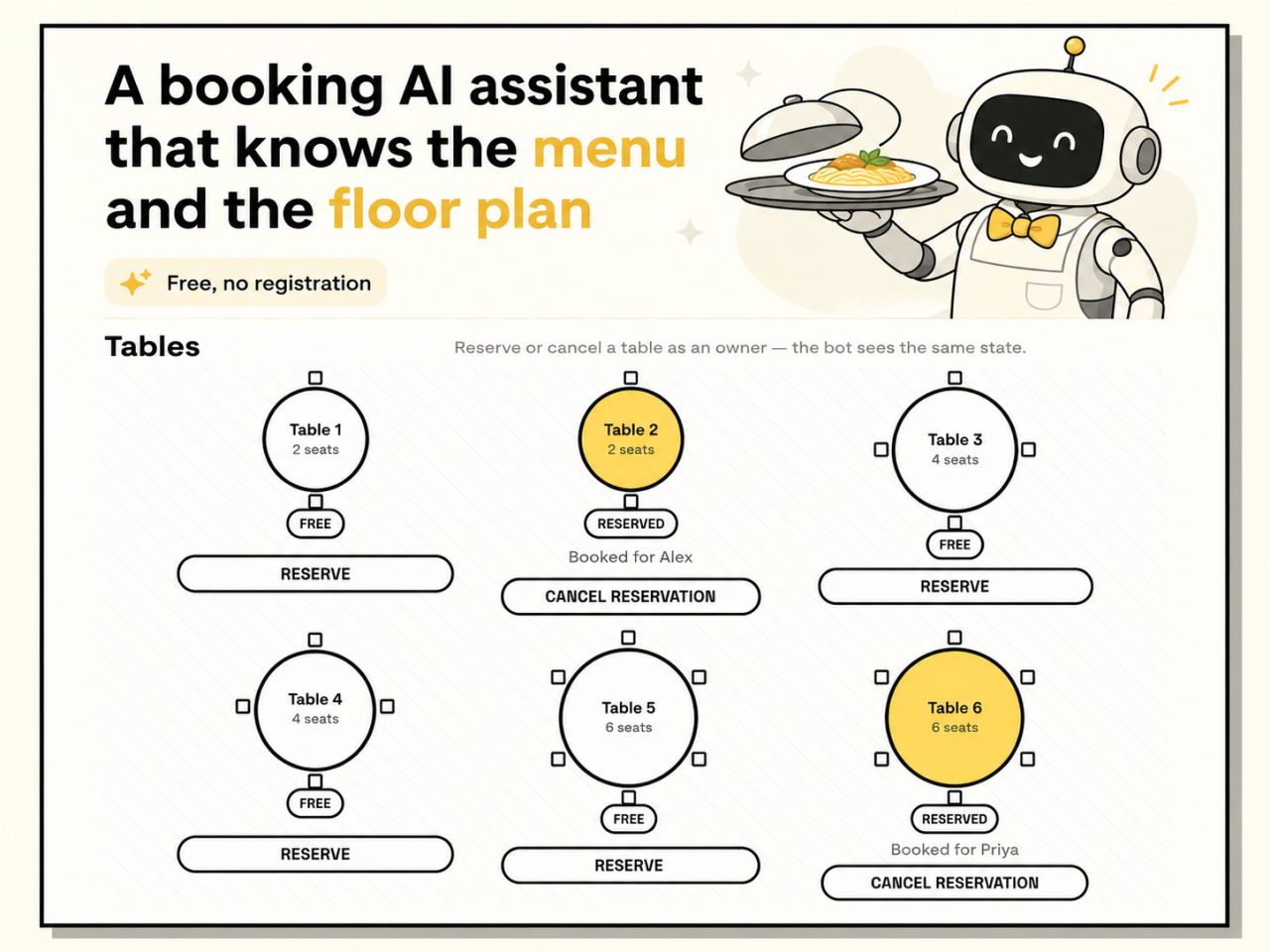
A Restaurant Booking Bot You Can Actually Try
A live demo of an AI restaurant assistant that knows the menu, the floor plan, and handles multi-part requests in one message — free, no registration.

May 21, 2026
300 invoices a month. That's not an AI problem.
At 5-10 minutes per invoice, 300 invoices a month is 25-50 hours of manual entry. The part most people skip is building the GL mapping table.
May 18, 2026
The Cheapest Model Does the Most Important Job
A student built an n8n invoice controller where a cheap model as the first filter turned out to be the most valuable node in the workflow.