How a Chatbot That Actually Runs in Production Is Built
Case summary
Quick scan before the full breakdown.
Goal
Build an AI chatbot that's cheap, accurate, and predictable enough for a real client, running every day
Stack
n8n, GPT-5-mini, Supabase, Cal.com
Result
$0.028/day per client, a 3,000-character system prompt, and ticket-based state
I’ve seen a lot of posts about someone’s great chatbot: saves time, answers customers, books meetings, makes money. The articles are all the same — successful, boring, uninteresting. What I’d actually like answered: how much does a bot like that spend per customer per day? How does it handle ambiguous, junk human requests, and where do its limits run?
So I decided to write this myself. Below: which tools I used, what I ran into, what I had to make peace with, and which solutions turned out to work.
What I found before starting
When the order came in from a clinic, I went to look at what was new on chatbots as of 2026. Spoiler: nothing. How to build a RAG, or how to make the simplest possible bot — boring, and uninteresting.
Simple user intents are a myth. “Tell me about such-and-such” — sure, the bot gets it and gives an answer. But “Tell me, what are you built out of? Oh, and yeah, I’m ready to book a meeting, but I haven’t decided on a day yet. Does your architecture use RAGs? But which slots are even open?” — now that’s the kind of phrase it’s interesting to test a bot on.
Nowhere does anyone write what this costs the client. My bot is cheap: $0.028 a day per client — the most interesting number in this piece, so here it is upfront.
Skipping the agent model
The first thing I tried was an agent architecture: a main bot that’s the smartest one, with agents performing specific tasks and reporting back to it — plenty of posts describe this method. It sounds great, but in practice agents eat tokens fast, make mistakes more often, and someone has to catch and fix those mistakes — an expensive toy I didn’t want with live clients.
The architecture came out complicated too: the agent regularly misunderstood the task, the main bot’s prompt kept getting heavier, and the model had to be an expensive one. More complexity, no better quality. I deleted that prototype.
One bot and lots of tools
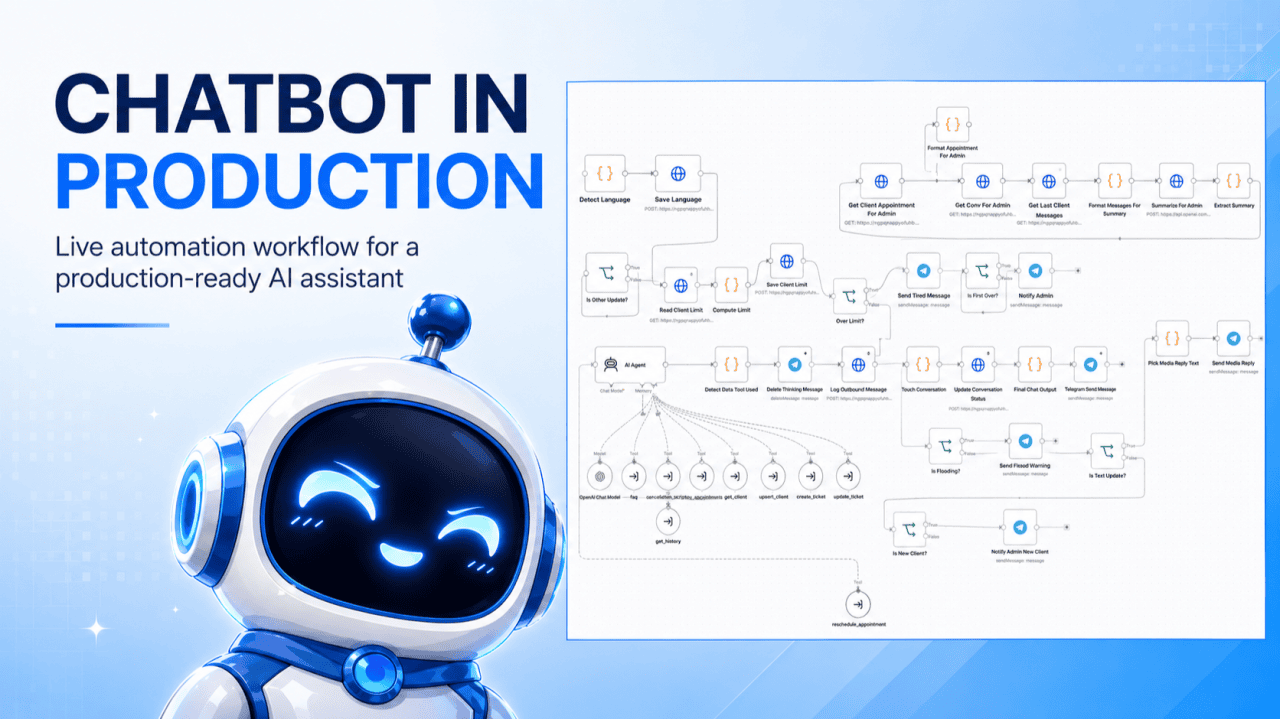
What was left is the simple scheme you’ve seen in a hundred posts: one bot with a set of tools and a system prompt that applies to every dialogue.
If the bot has a pile of tools, remembers previous conversations, and keeps client data in its head, the system prompt balloons. That’s true — but I found a way around it.
Conversation history. I kept the last 10 messages in context as memory for the bot. Not much, but those messages can carry contradictory information — the client gets confused, gives muddled answers, contradicts himself, like a normal human being — and the history starts getting in the way, making the bot misuse tools.
I stopped handing the bot the history by default. Instead I built a separate tool: if the bot senses it doesn’t understand what’s going on, it requests the history itself. The dialogue didn’t suffer — the bot now gets only the new message each time, and it started answering noticeably better, using tools more precisely.
Client data. Same story with information about the client — open meetings, pending requests — keeping it in the prompt permanently threw the bot off more than it helped, so it moved into a separate request too. In the end I moved all the informational chunks out of the system prompt and into tools: the prompt shrank several times over, model usage got cheaper, and answer quality went up. Final length: 3,000 characters.
Tickets track the process. I love CRM systems — I study different ones. For this bot I borrowed the ticket system from support tools.
A client comes in with a request. If it falls into one of the intents — book a meeting, reschedule, cancel, ask for information — the bot’s first move is to open a ticket; two intents in one message, two tickets. With an open ticket, the bot knows exactly what’s missing and asks for that and nothing else. When a ticket closes, the next one sometimes opens automatically — after a meeting is booked, a “get name and email” ticket opens right behind it.
The bot never needs to know the previous step or the next one — only what to do right now. The instruction arrives sequentially, as the dialogue moves forward. Answer quality went up because of this, and cost dropped again.
A simple, database-backed knowledge base
For answering questions, a plain database did the job — when the volume of information isn’t that big, RAG is overkill and a database with a set of headings is enough. The bot requests the list of headings, looks through them, and requests the specific article if the answer’s likely in there. Works practically like RAG, but lighter, and the content can be edited right at the source in Supabase, with no reindexing.
Interacting with an external system
The bot needs something real to work with. For this demo I used Cal.com, standing in for a CRM — at an actual company that’d be HubSpot, Salesforce, Google Calendar, or whatever tool handles scheduling.
The bot can look at a client’s meetings, cancel one, reschedule one — each a different intent, ticket, and tool. Rescheduling is the hardest: the bot needs to know exactly which meeting to move and to what time, and the ticket stays open until it collects that. Without tickets, rescheduling just didn’t work.
One more prompt note: don’t sew emotional language into it. A bot sympathizing with a cancelled meeting may sympathize and forget to actually cancel it — sympathy has to be its own separate step.
What came out of it
This architecture makes the bot cheap, accurate, and predictable — the article I was missing when I started looking into this. I built it in n8n (Claude helped me move fast), but the same approach works with other tools.
Try it
The same principles are behind the chatbot demos already live on the site: a restaurant booking assistant, a lead qualification bot, and booking assistants for a dentist, a hairdresser, and a real estate agency. All free, no registration — more on how two of them are built in the restaurant and lead qualification case studies.
More cases
Three nearby case studies worth reading next.
Aug 10, 2026
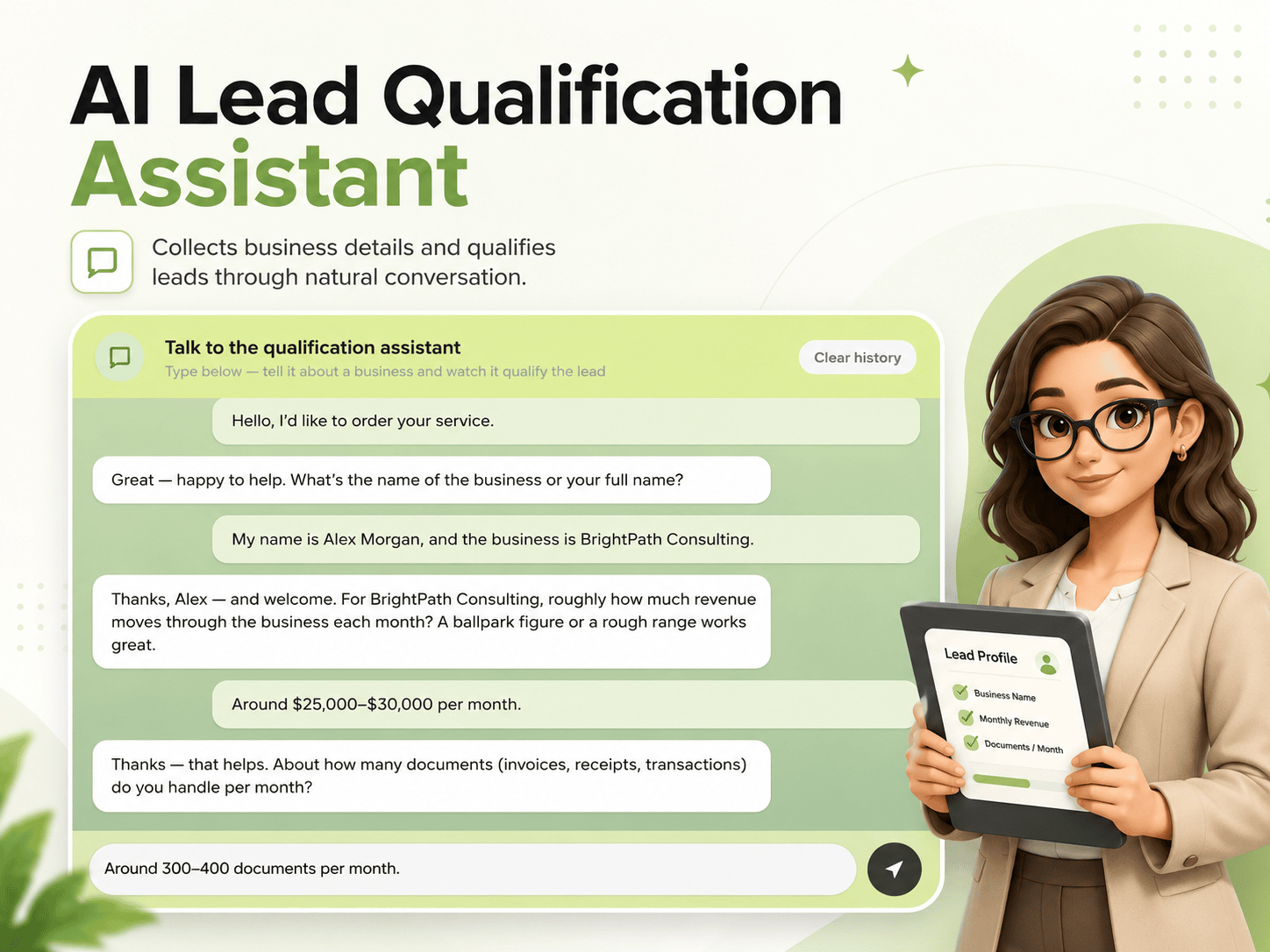
AI Lead Qualification Assistant with Live Scoring (n8n)
A conversational n8n assistant that qualifies leads for a bookkeeping firm, scores them against admin-editable thresholds, and starts fresh for every new conversation.
Aug 10, 2026
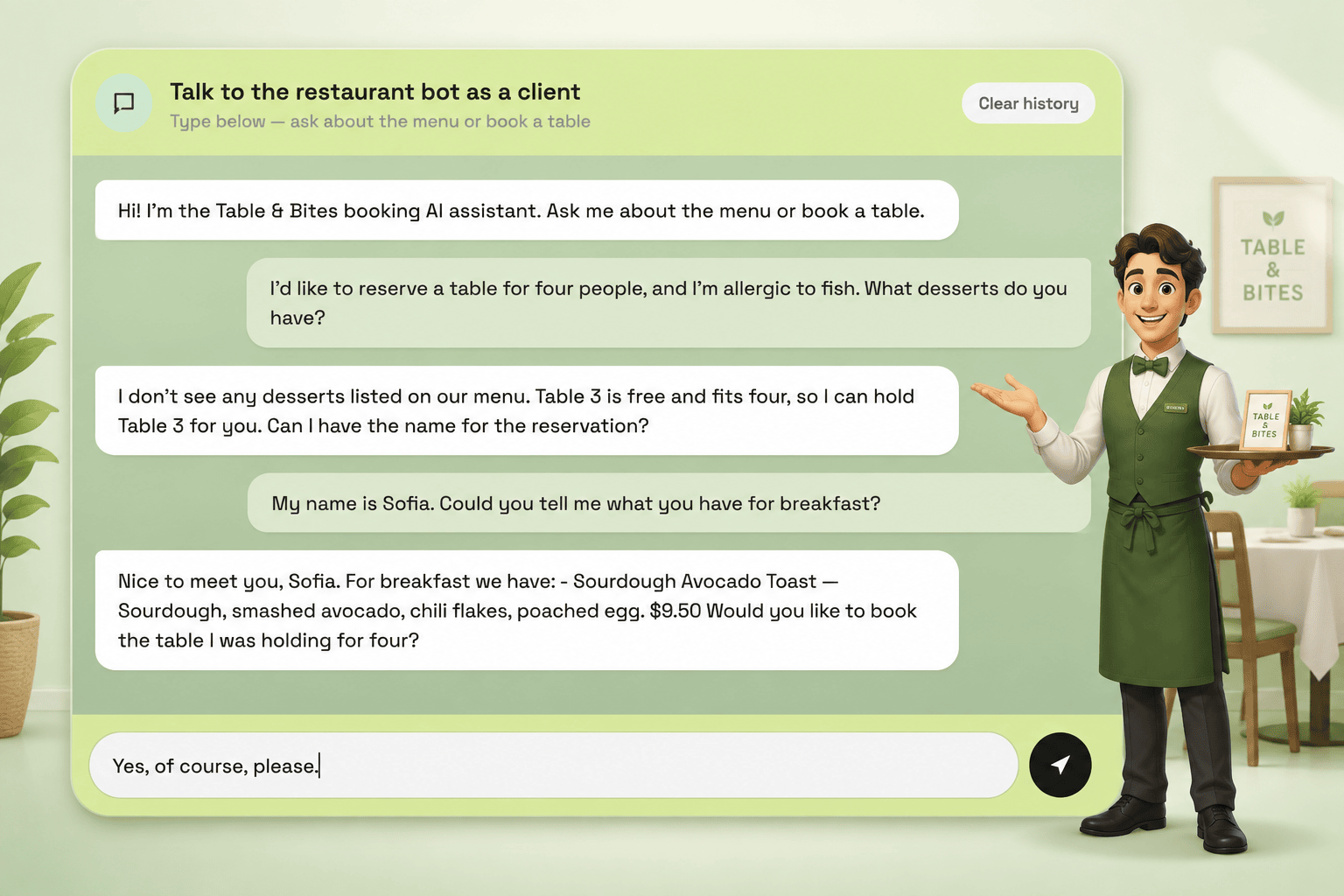
AI Booking Assistant for Restaurants (n8n + GPT)
A live restaurant booking bot that reserves tables, answers menu questions, and tracks several requests at once through an internal ticket system.
Aug 22, 2026
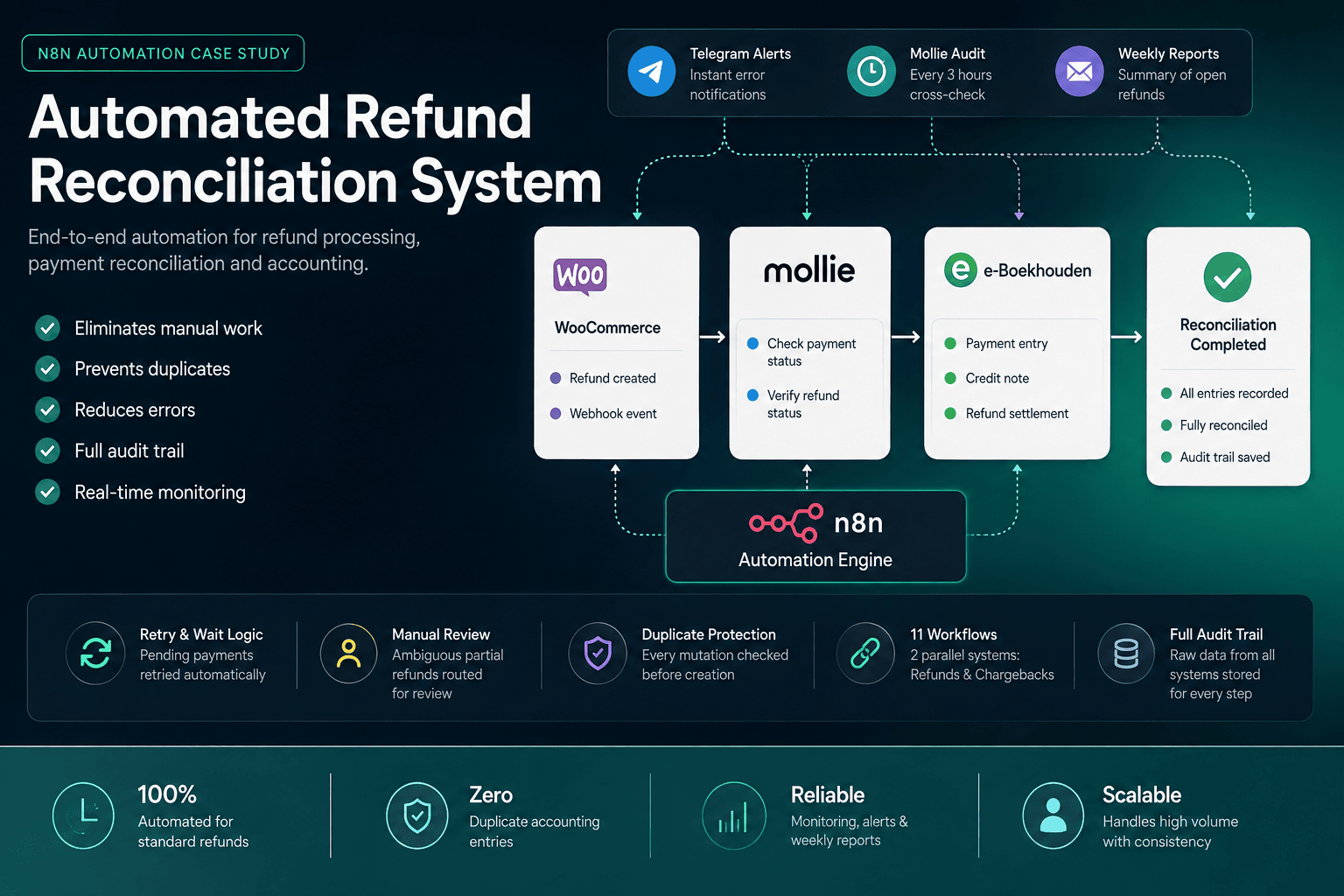
Automated Refund Reconciliation System for WooCommerce & Mollie
An 11-workflow n8n system that reconciles refunds across WooCommerce, Mollie and e-Boekhouden, with duplicate protection, retries, an independent audit, and alerts.