That is not how data works
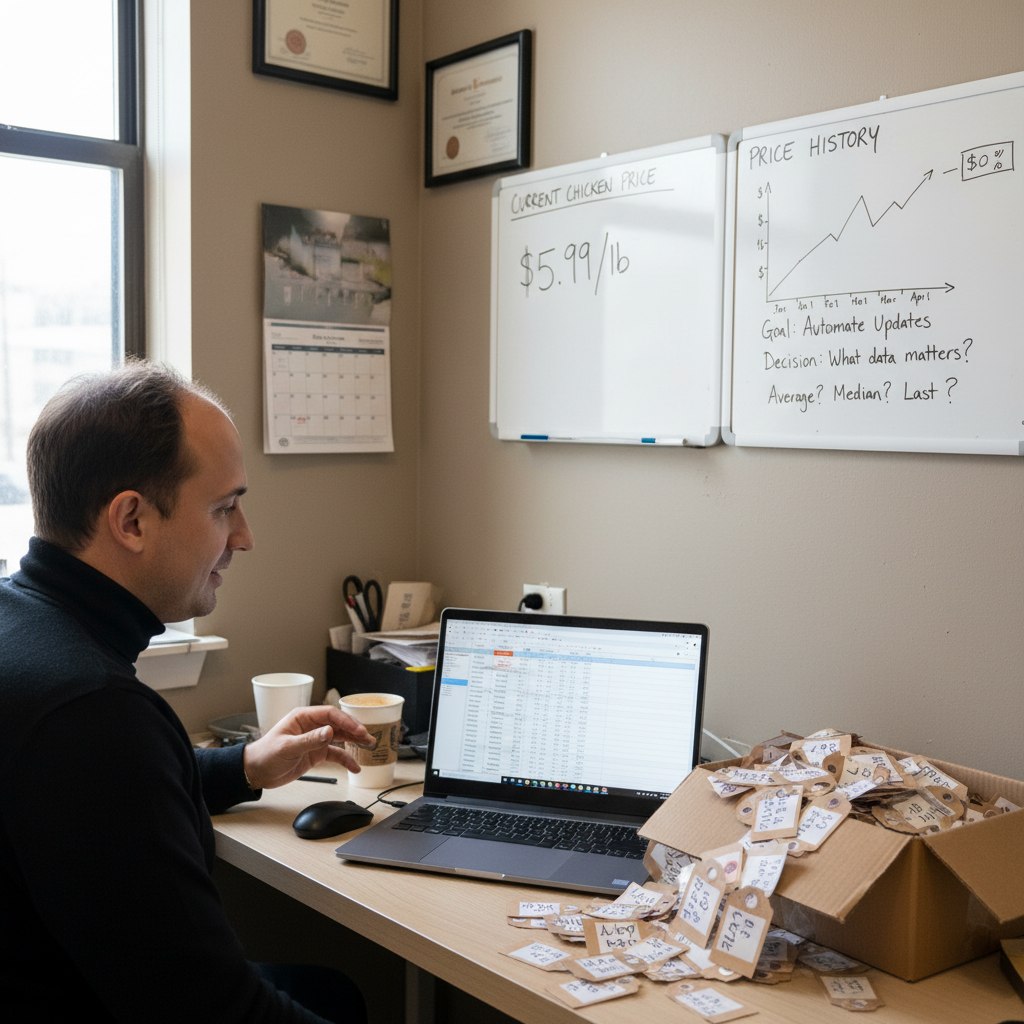
A restaurant manager wanted to automate supplier pricing from invoices into a costing spreadsheet. When a new invoice arrived for chicken, the price should update — not create a new row. Same PLU number, new price.
The reply in the thread was short:
“That is not how data works.”
Which is blunt. But points at something real.
The spreadsheet he was imagining — where the current price just overwrites the old one — is a specific data model. It works if you only ever need to know what something costs right now. It breaks the moment you want to ask “what did chicken cost three months ago?” or “when did our beef margins change?”
Before you automate an update process, you need to decide what the data is supposed to represent. A current state? A history? Both?
Accounting systems make this choice for you — they keep the history, they version the entries, they allow you to trace a price back to the invoice. A spreadsheet with overwriting formulas doesn’t.
This is a pattern I see often when someone wants to automate a data process they’ve been running in Excel. The automation is technically possible. But it will replicate the same data model limitations that made the spreadsheet slow in the first place.
Worth pausing before building: what questions will you need to answer six months from now that you can’t answer today? If the answer involves “when” or “why did this change,” your data model needs to track history, not just current state.
Get that right first.
The automation part is easier once the model is correct.
Read next
Three nearby posts worth opening next.

May 18, 2026
The Cheapest Model Does the Most Important Job
A student built an n8n invoice controller where a cheap model as the first filter turned out to be the most valuable node in the workflow.

May 17, 2026
The Week Before Building Beats the Month of Building
Most automation fails not from bad code, but because the builder started too early — the discovery work is the hard part.

May 15, 2026
Eliminate the non-accounting first
The most useful accounting automation isn't AI or agents. It's removing the data-moving and format-cleaning so accountants can do actual accounting.